Keep the original data and define what makes a record a duplicate before removing rows. In pandas, exact duplicate rows and repeated business keys are different problems. A repeated order ID may represent an updated record rather than an accidental copy.
This tutorial first removes identical complete rows, then keeps the latest dated record per order ID under an explicit revision rule. The hypothetical example was executed with Python 3.11.3 and pandas 2.3.3. All inputs and code are inline.
Decide what a repeated ID means
Order 001 appears first as pending, then as paid at a later time. Those rows are not identical. Order 002 appears twice with every field equal. Under this example’s rule, the first case is revision history and the second is an exact duplicate.
That rule is a choice about the dataset. If multiple rows with one order ID are separate line items, keeping one would lose legitimate items. Use a line-item key or another appropriate definition instead.
Run the complete example
from io import StringIO
import pandas as pd

original = pd.read_csv(StringIO("""order_id,updated,status,units
001,2026-11-01 09:00,pending,2
001,2026-11-01 10:00,paid,2
002,2026-11-01 09:30,paid,1
002,2026-11-01 09:30,paid,1
003,2026-11-02 11:00,paid,4
"""), dtype={"order_id": "string", "status": "string", "units": "int64"})

work = original.drop_duplicates().copy()
work["order_id"] = work["order_id"].str.strip()
if work["order_id"].isna().any() or work["order_id"].eq("").any():
    raise ValueError("Review missing order IDs before choosing records.")
work["updated"] = pd.to_datetime(
    work["updated"], format="%Y-%m-%d %H:%M", errors="raise",
)
if work["updated"].isna().any():
    raise ValueError("Every row needs a valid update timestamp.")

ties = work.duplicated(["order_id", "updated"], keep=False)
if ties.any():
    raise ValueError("Conflicting records share an ID and timestamp; review them.")

latest = (
    work.sort_values("updated", kind="stable")
        .drop_duplicates("order_id", keep="last")
        .sort_values("order_id")
        .reset_index(drop=True)
)
print("Original rows:", len(original))
print("Distinct complete rows:", len(work))
print("Latest order records:", len(latest))
print(latest.to_string(index=False))
Understand the three row counts
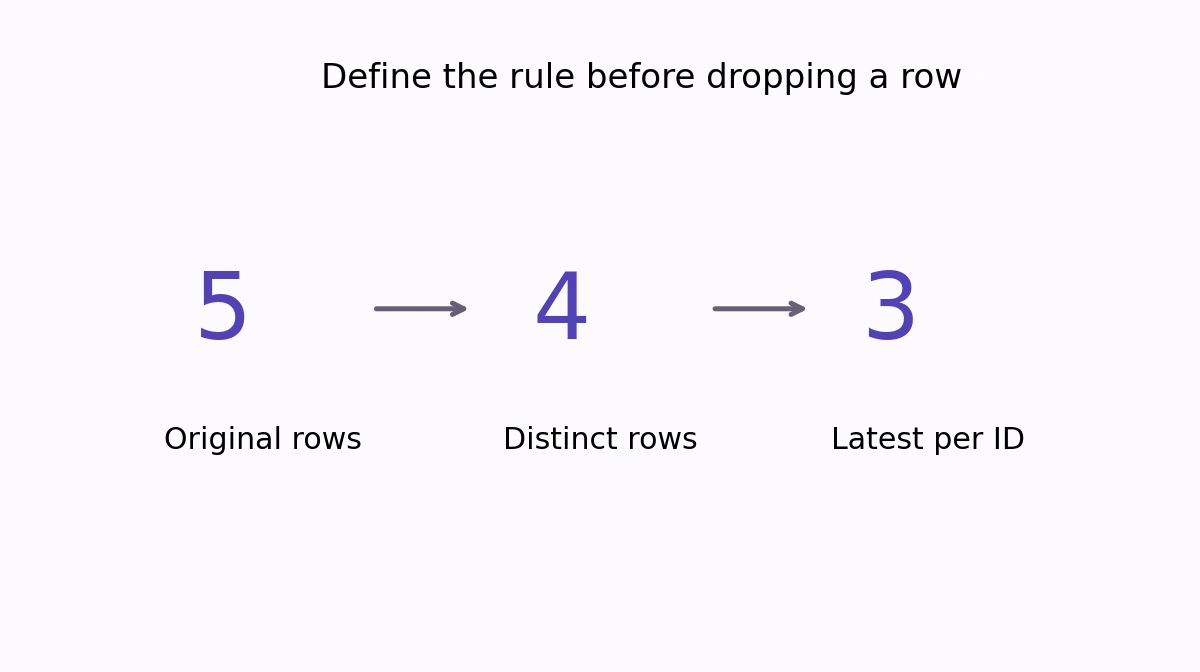
The output reports five original rows, four distinct complete rows, and three latest order records. Order 001 is paid with its 10:00 timestamp. Order 002 appears once, and order 003 remains unchanged.
The original DataFrame still has all five input rows, including the earlier pending state. The later operations use a copy. Keep a separate durable source in your real workflow too; a variable in memory does not replace a backup of an original export.
Why sorting comes before keeping the last row
drop_duplicates("order_id", keep="last") selects the last occurrence in the current row order. It does not interpret “last” as newest by date. Parsing and sorting the update timestamps first makes that interpretation explicit.
The stable sort preserves input order among equal timestamps, but equal timestamps with conflicting records still require a policy. This example rejects repeated ID/timestamp pairs after complete duplicates have been removed. It therefore does not silently use input order as a tie breaker.
Reject problems that affect the decision
Missing IDs cannot reliably identify an order and are rejected. Missing timestamps are rejected explicitly, and invalid timestamps raise an exception under the declared format %Y-%m-%d %H:%M. These examples use local timestamps without time zones; cross-region records need an explicit time-zone policy.
The key is read as a string so leading zeros are preserved. Its surrounding spaces are stripped only after the original has been retained. Review the meaning of keys before normalizing other differences such as case or punctuation.
Choose a different duplicate policy when needed
drop_duplicates() compares the complete row by default. A subset limits the comparison to selected columns. keep=False removes every member of a duplicate group rather than preserving one. These choices can produce very different datasets.
Inspect duplicate groups and reconcile counts before replacing an output table. When matching a cleaned lookup to another table, retain a merge validation rule as well. MathBlog’s Python tutorial hub collects related table-processing workflows.